Funktion
MIDI-Verbindung
Verbinden Sie Ihr Digitalpiano mit GrandScore und machen Sie Ihr Üben lebendig.
Konzept
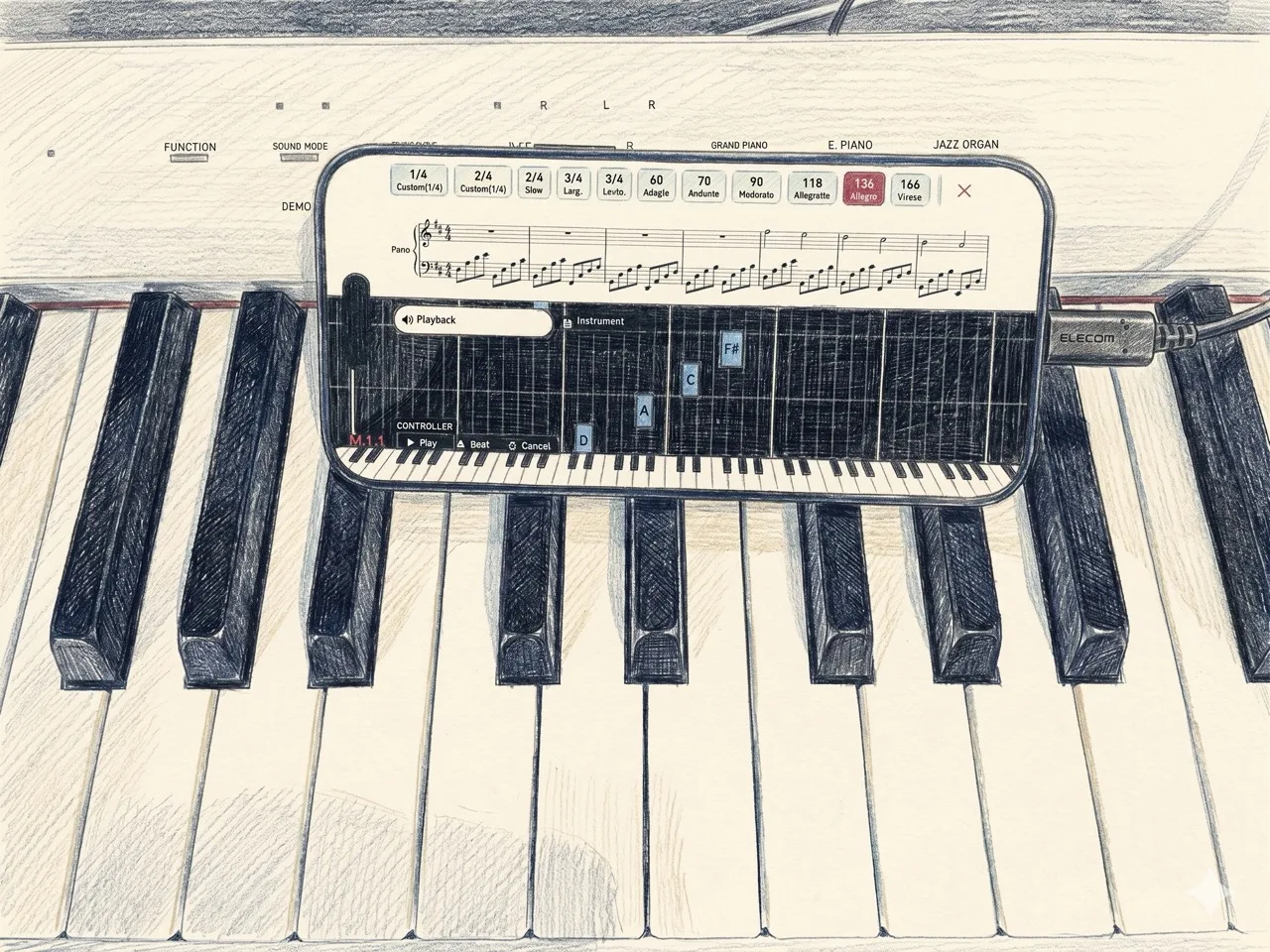
Mit der MIDI-Verbindung von GrandScore spielen Sie Ihr Digitalpiano, während die App in Echtzeit zuhört. Gespielte Noten werden sofort erkannt und visuell auf der Partitur angezeigt. Es verbindet Ihr echtes Instrument mit digitalen Noten — ohne komplizierte Einrichtung, einfach einstecken und spielen.
On every device
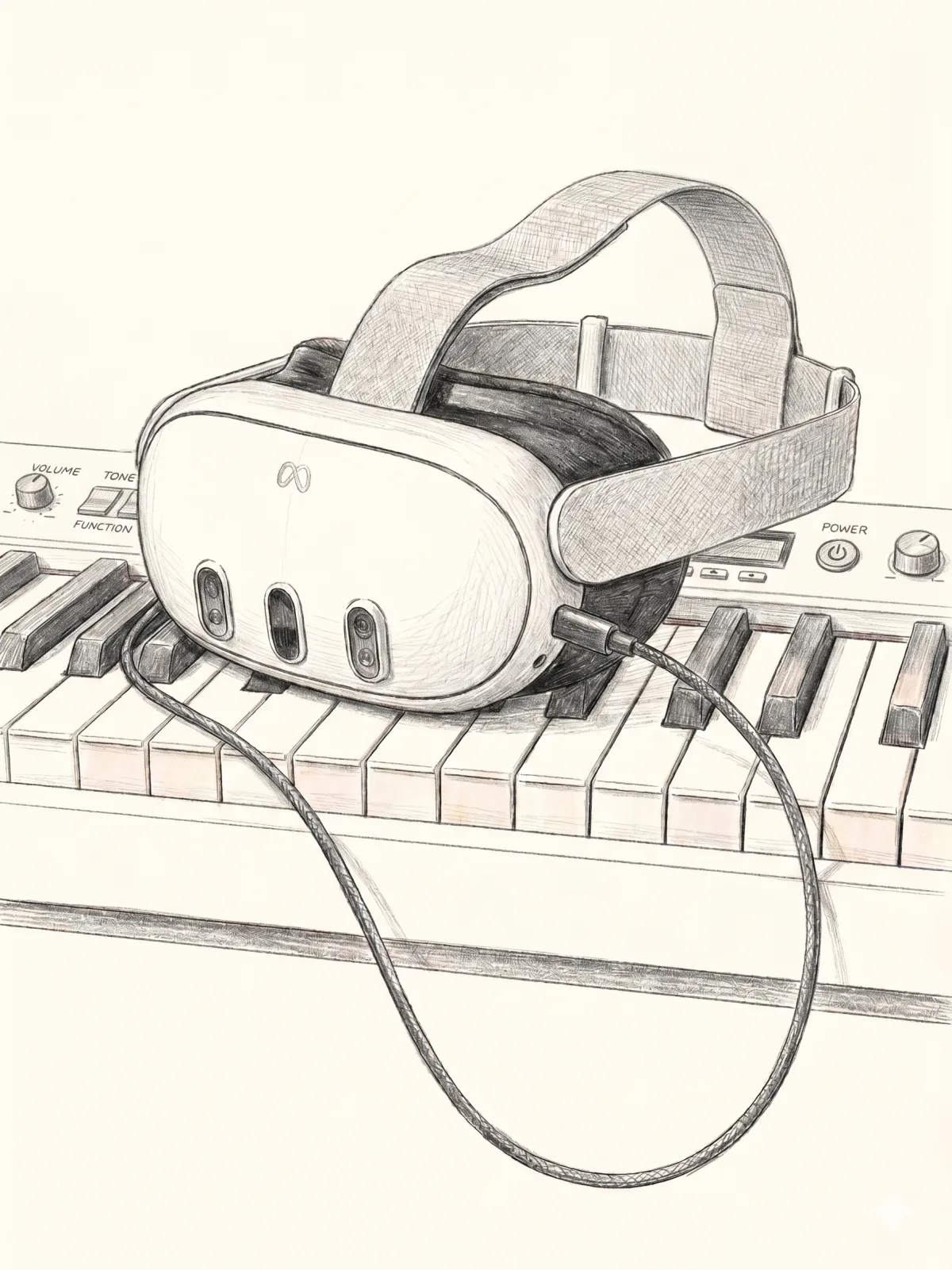
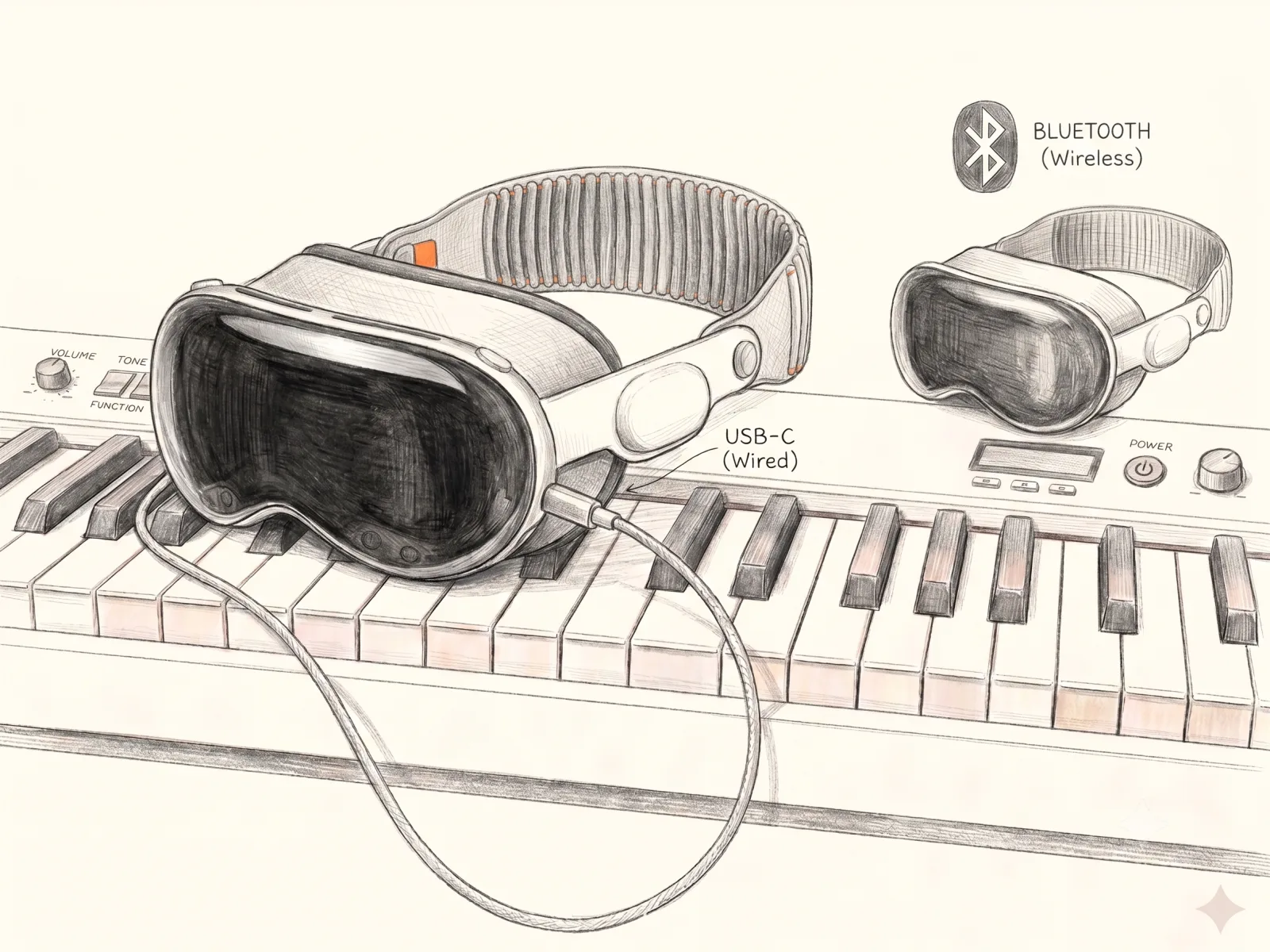
Connect a MIDI keyboard and play on iPhone and iPad — and on Apple Vision Pro and Meta Quest too.
So verbinden Sie
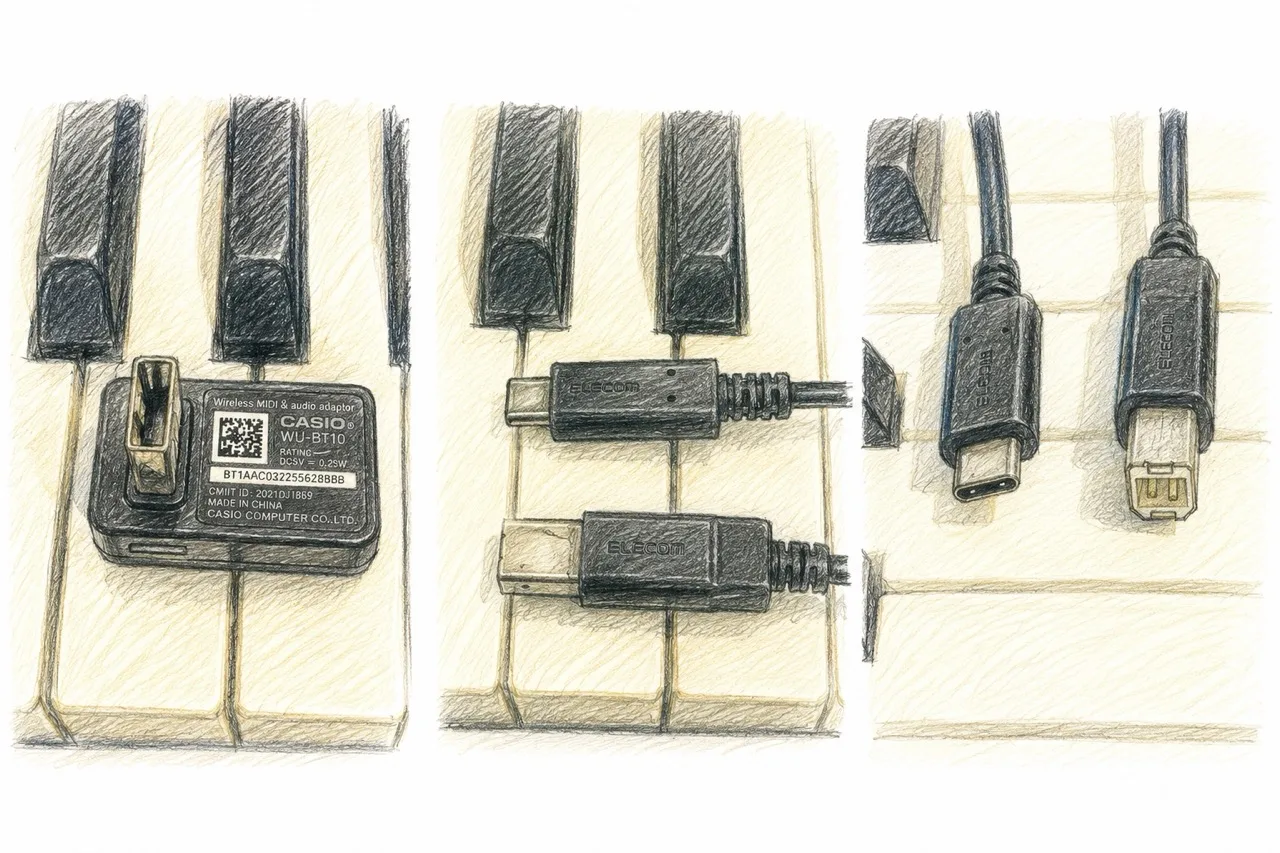
Sie benötigen nur ein einziges Kabel. Verbinden Sie Ihr Digitalpiano mit Ihrem PC, iPad oder iPhone:
- ●MIDI-zu-USB-C-Kabel — für Pianos mit traditionellem MIDI-Ausgang
- ●USB-C-zu-USB-C-Kabel — für Pianos mit USB-Anschluss
Verifizierte Geräte
Wir haben die Kompatibilität mit folgenden Konfigurationen bestätigt:
- ●CASIO Privia PX-S1100 — works over a USB cable, and wirelessly via Bluetooth LE MIDI using a WU-BT10 / DH-CB10 adapter.
- ●Oripia49 — USB-C connection only (no Bluetooth).
Die meisten Digitalpianos mit MIDI- oder USB-Ausgang sollten funktionieren. Wenn Ihr Piano einen USB-B- oder MIDI-5-Pin-Anschluss hat, reicht ein einfaches Adapterkabel.
Testen Sie die MIDI-Verbindung mit GrandScore — laden Sie die App herunter und schließen Sie Ihr Piano an.
FAQ
Can I connect my digital piano to an app and see the score?
Yes. GrandScore connects to a digital piano or MIDI keyboard with a single USB-C cable and detects the notes you play in real time, giving you feedback on the score.
Is there a sheet music app that supports a MIDI keyboard?
GrandScore does. Connect over MIDI to your PC, iPad, or iPhone, play along with the score, and the keys you press are reflected on screen instantly.
Do I need special hardware to connect?
Just one cable. Use USB-C to USB-C for pianos with a USB port, or a MIDI to USB-C cable for pianos with traditional MIDI output.