
功能
MIDI 连接
将电子钢琴连接到 GrandScore,让练习更加真实。
概念
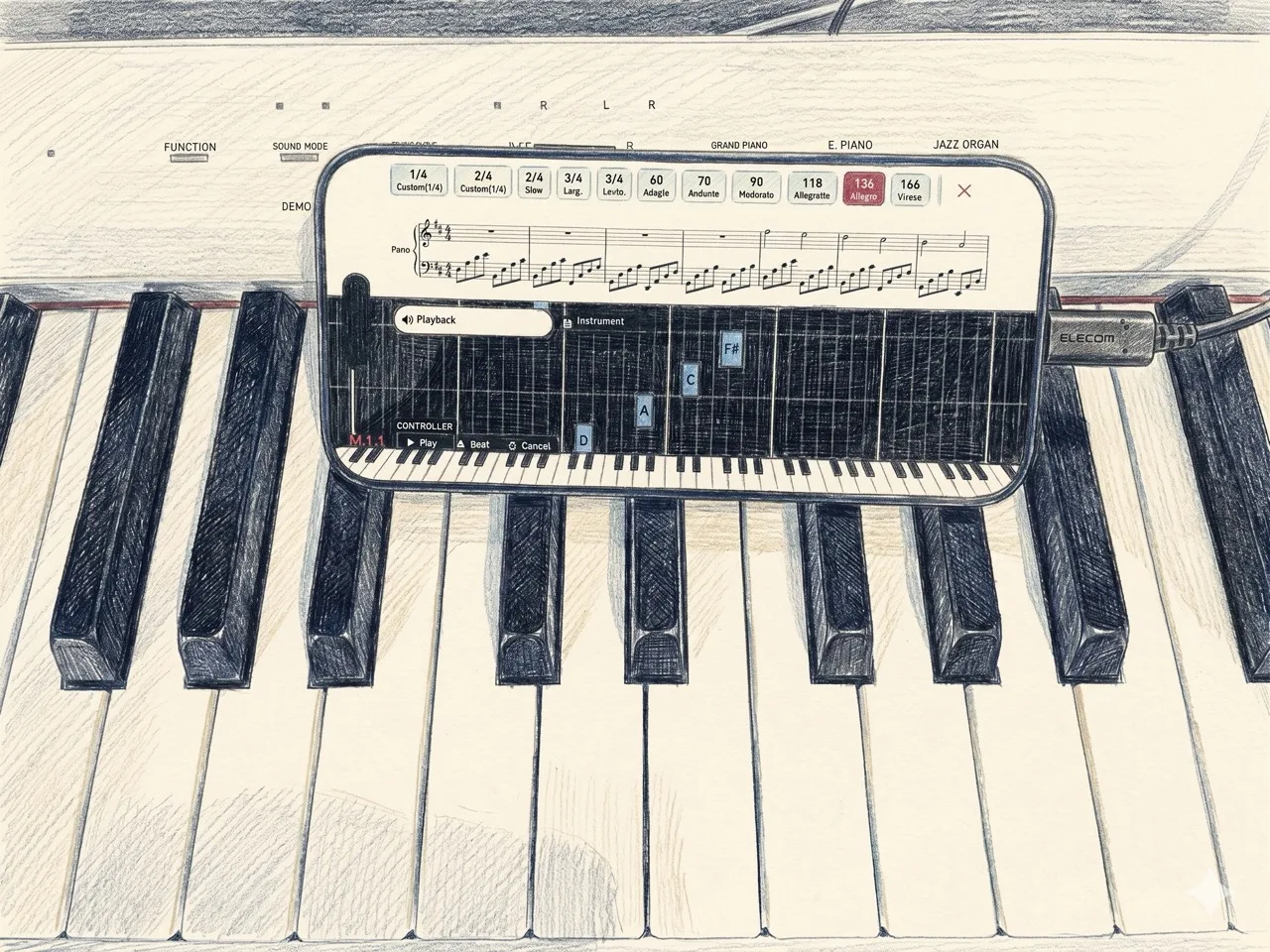
GrandScore 的 MIDI 连接功能让您在弹奏电子钢琴的同时,应用实时聆听。弹奏的音符会即时检测,并在乐谱上提供视觉反馈。它将真实乐器与数字乐谱无缝连接 — 无需复杂设置,插上即可演奏。
On every device
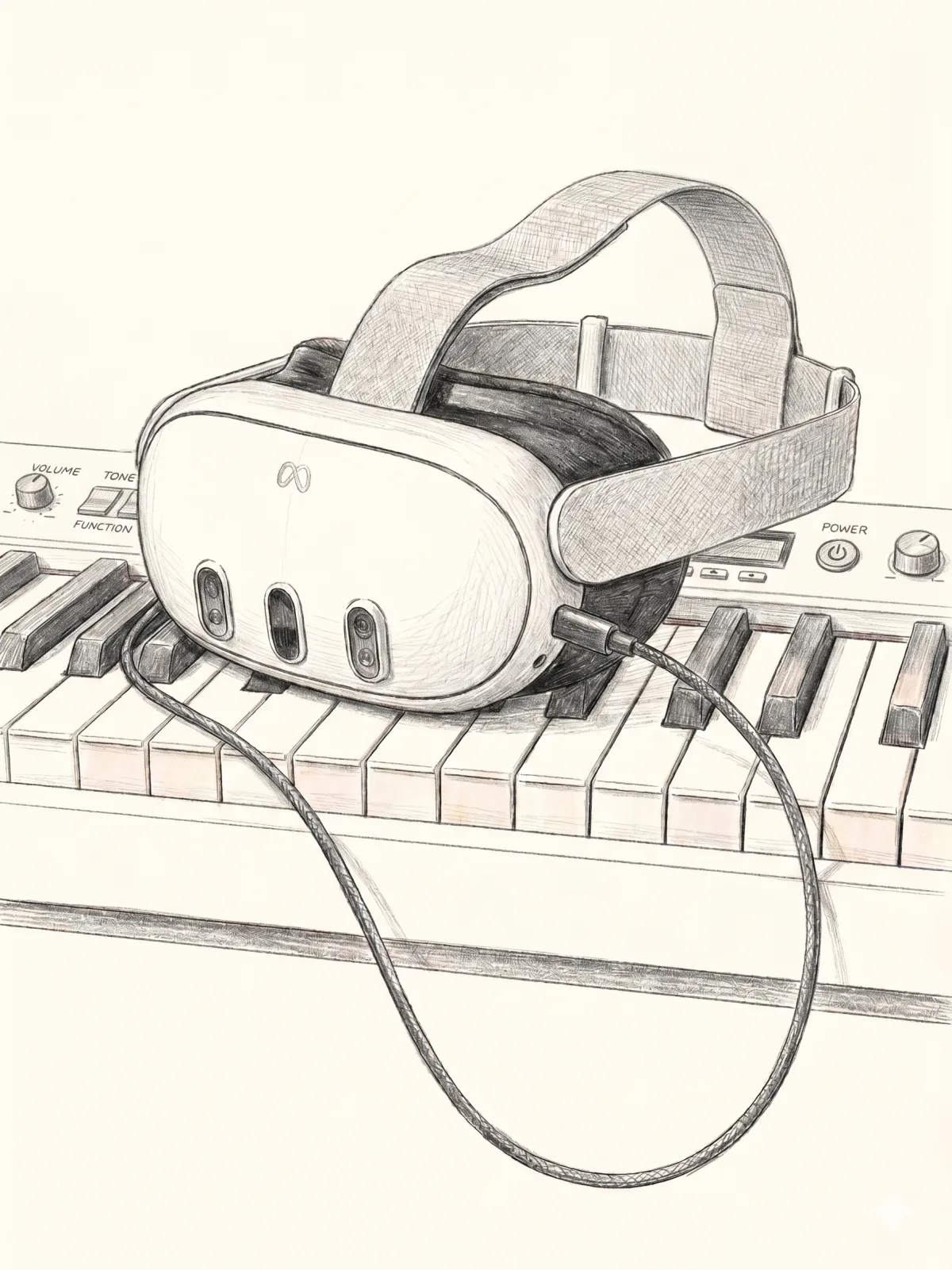
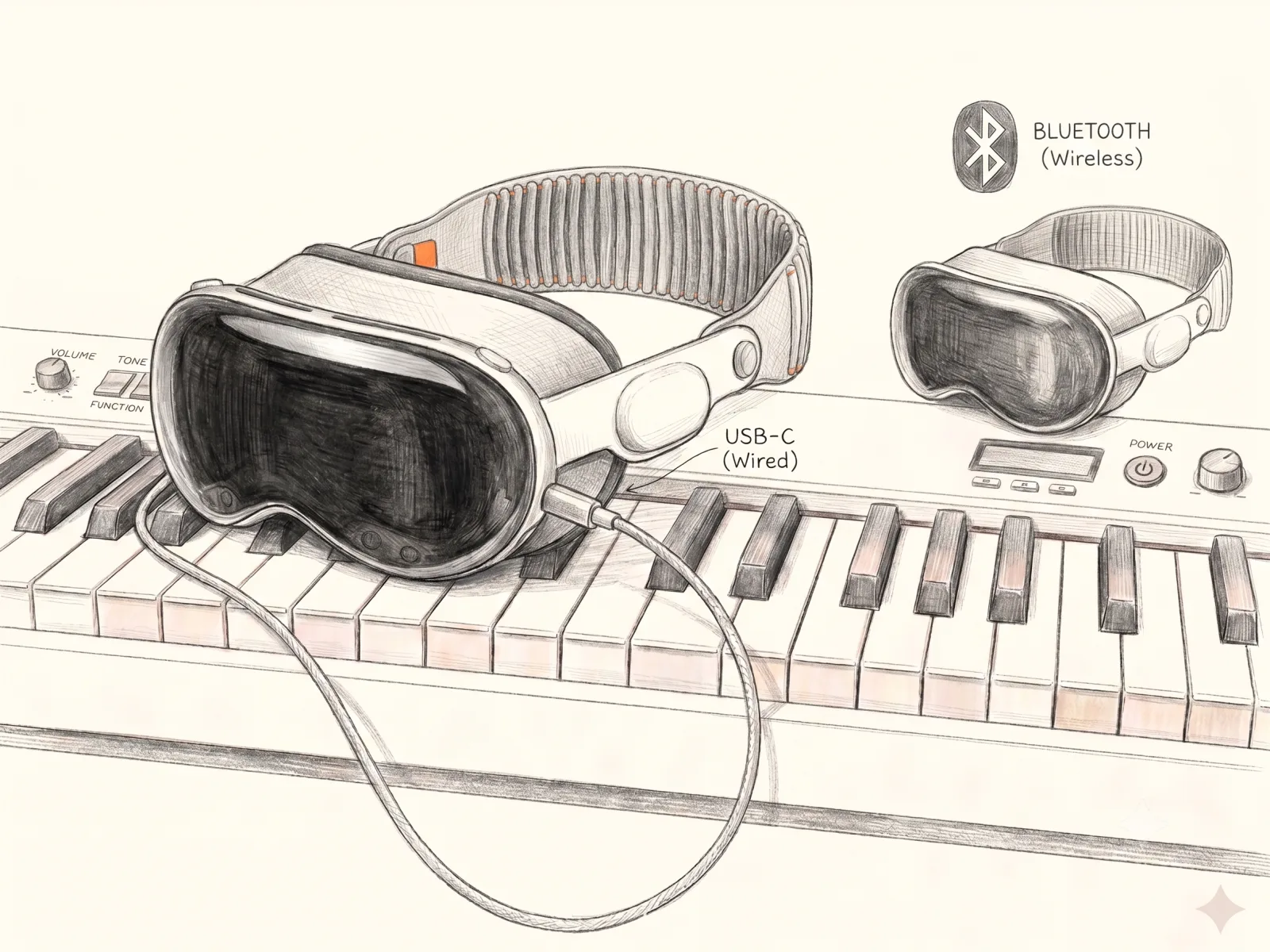
Connect a MIDI keyboard and play on iPhone and iPad — and on Apple Vision Pro and Meta Quest too.
连接方法
只需一根线缆。将电子钢琴连接到 PC、iPad 或 iPhone:
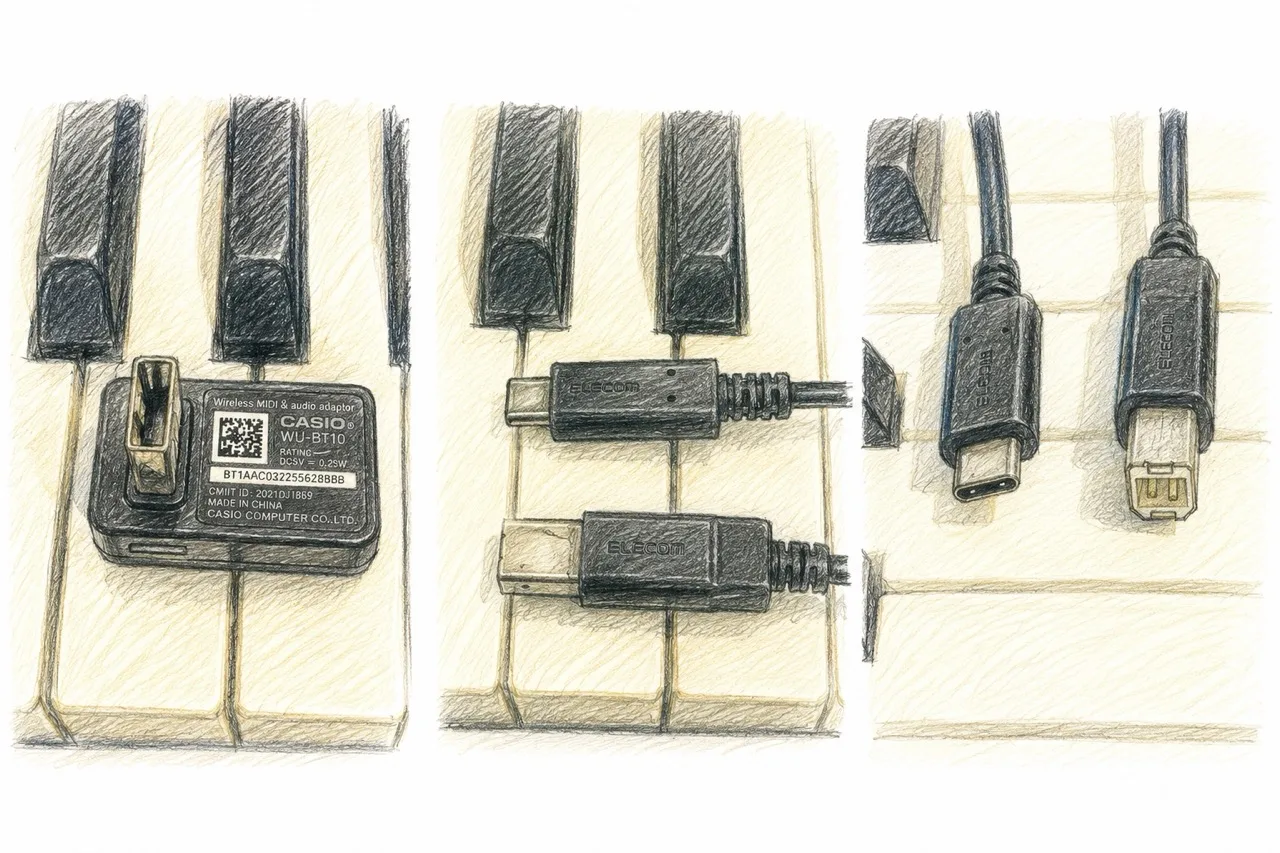
- ●MIDI 转 USB-C 线缆 — 适用于具有传统 MIDI 输出的钢琴
- ●USB-C 转 USB-C 线缆 — 适用于具有 USB 端口的钢琴
已验证设备
我们已确认以下设备的兼容性:
- ●CASIO Privia PX-S1100 — works over a USB cable, and wirelessly via Bluetooth LE MIDI using a WU-BT10 / DH-CB10 adapter.
- ●Oripia49 — USB-C connection only (no Bluetooth).
大多数具有 MIDI 或 USB 输出的电子钢琴都可以使用。如果您的钢琴有 USB-B 或 MIDI 5 针端口,只需一根转接线即可。
使用 GrandScore 体验 MIDI 连接 — 下载应用,连上钢琴即可开始。
FAQ
Can I connect my digital piano to an app and see the score?
Yes. GrandScore connects to a digital piano or MIDI keyboard with a single USB-C cable and detects the notes you play in real time, giving you feedback on the score.
Is there a sheet music app that supports a MIDI keyboard?
GrandScore does. Connect over MIDI to your PC, iPad, or iPhone, play along with the score, and the keys you press are reflected on screen instantly.
Do I need special hardware to connect?
Just one cable. Use USB-C to USB-C for pianos with a USB port, or a MIDI to USB-C cable for pianos with traditional MIDI output.