
기능
MIDI 연결
디지털 피아노를 GrandScore에 연결하고 연습을 더 생생하게.
콘셉트
GrandScore의 MIDI 연결 기능을 사용하면 디지털 피아노를 연주하는 동안 앱이 실시간으로 감지합니다. 연주한 음이 즉시 악보에 시각적으로 피드백됩니다. 실제 악기와 디지털 악보를 연결합니다 — 복잡한 설정 없이 케이블만 연결하면 됩니다.
On every device
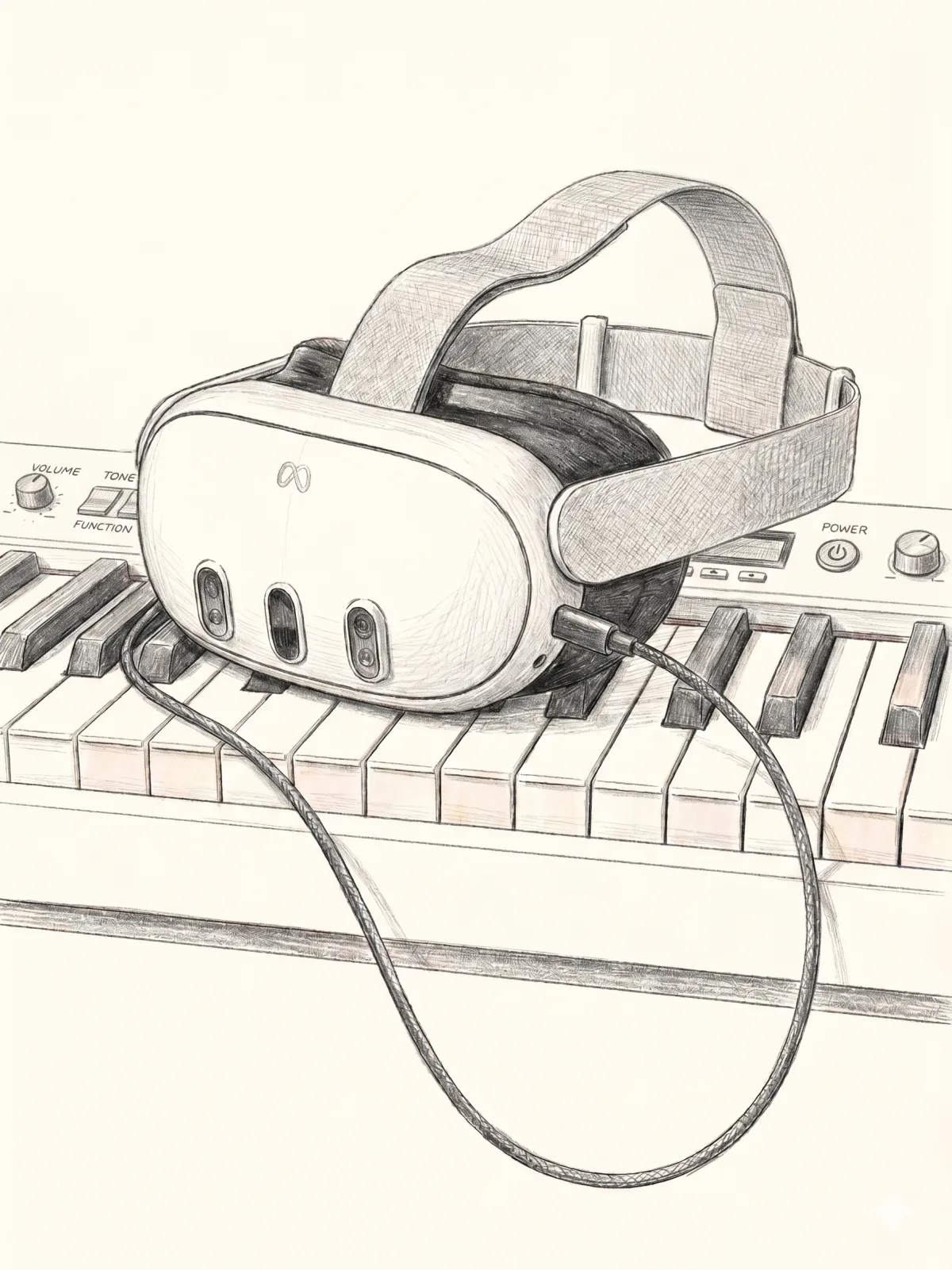
Connect a MIDI keyboard and play on iPhone and iPad — and on Apple Vision Pro and Meta Quest too.
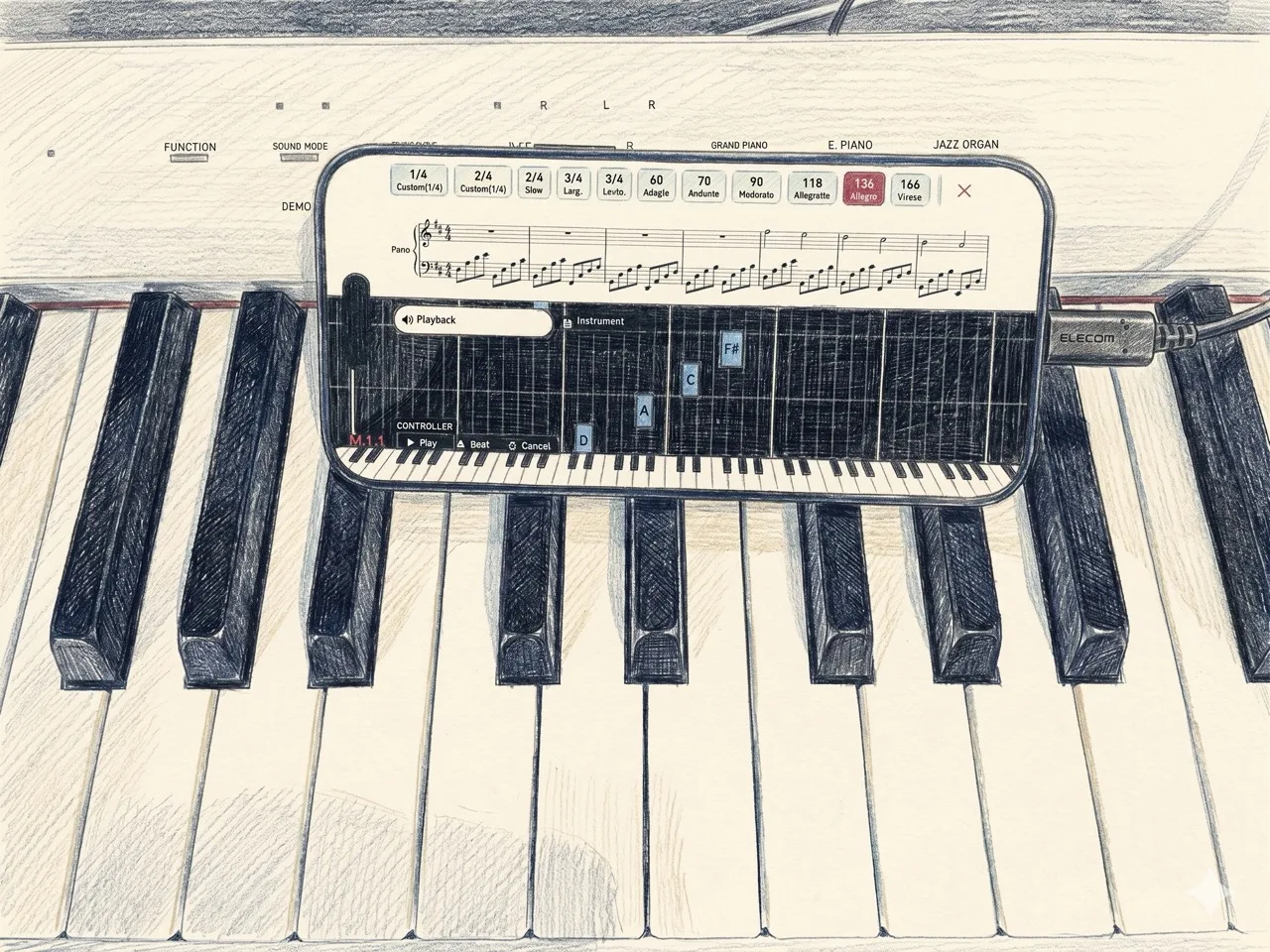
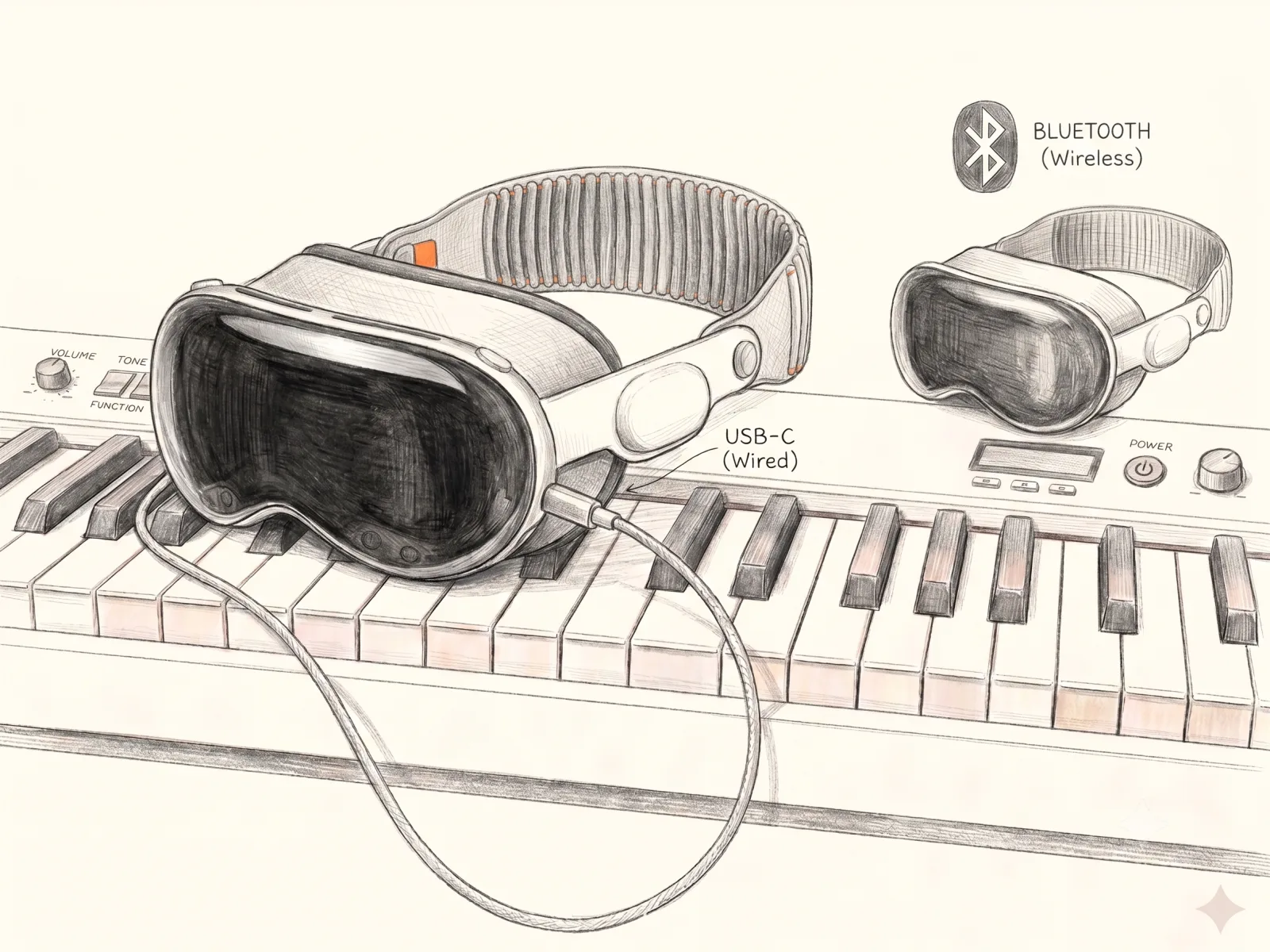
연결 방법
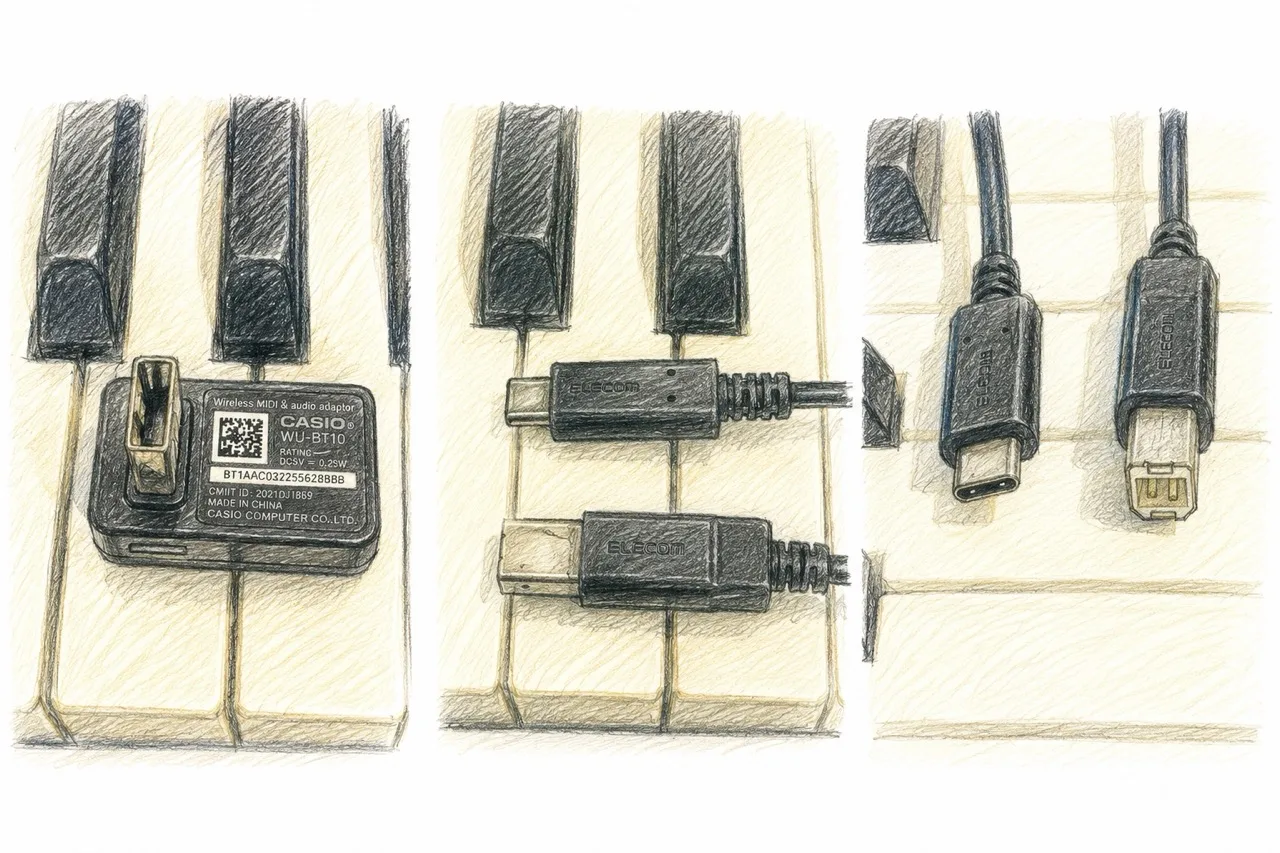
케이블 하나만 있으면 됩니다. 디지털 피아노를 PC, iPad 또는 iPhone에 연결하세요:
- ●MIDI to USB-C 케이블 — 기존 MIDI 출력이 있는 피아노용
- ●USB-C to USB-C 케이블 — USB 포트가 있는 피아노용
동작 확인 기기
다음 조합으로 호환성을 확인했습니다:
- ●CASIO Privia PX-S1100 — works over a USB cable, and wirelessly via Bluetooth LE MIDI using a WU-BT10 / DH-CB10 adapter.
- ●Oripia49 — USB-C connection only (no Bluetooth).
MIDI 또는 USB 출력이 있는 대부분의 디지털 피아노에서 작동합니다. USB-B 또는 MIDI 5핀 포트가 있는 피아노도 변환 케이블 하나로 연결할 수 있습니다.
GrandScore에서 MIDI 연결을 체험하세요 — 앱을 다운로드하고 피아노를 연결하세요.
FAQ
Can I connect my digital piano to an app and see the score?
Yes. GrandScore connects to a digital piano or MIDI keyboard with a single USB-C cable and detects the notes you play in real time, giving you feedback on the score.
Is there a sheet music app that supports a MIDI keyboard?
GrandScore does. Connect over MIDI to your PC, iPad, or iPhone, play along with the score, and the keys you press are reflected on screen instantly.
Do I need special hardware to connect?
Just one cable. Use USB-C to USB-C for pianos with a USB port, or a MIDI to USB-C cable for pianos with traditional MIDI output.